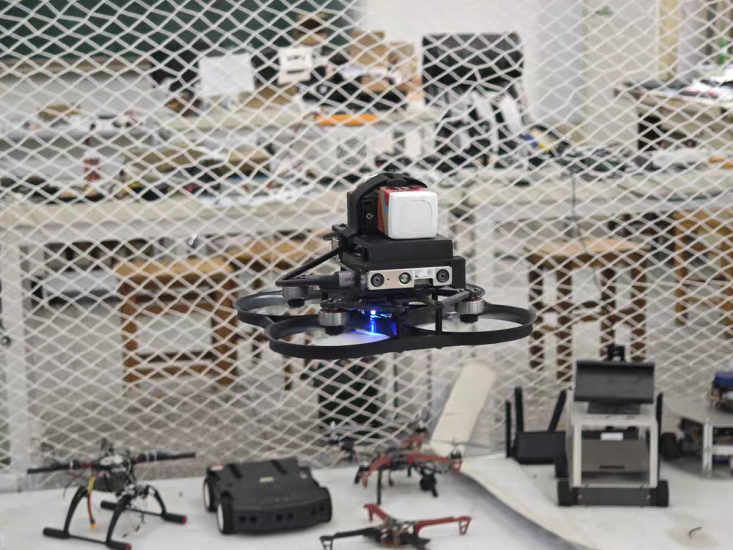


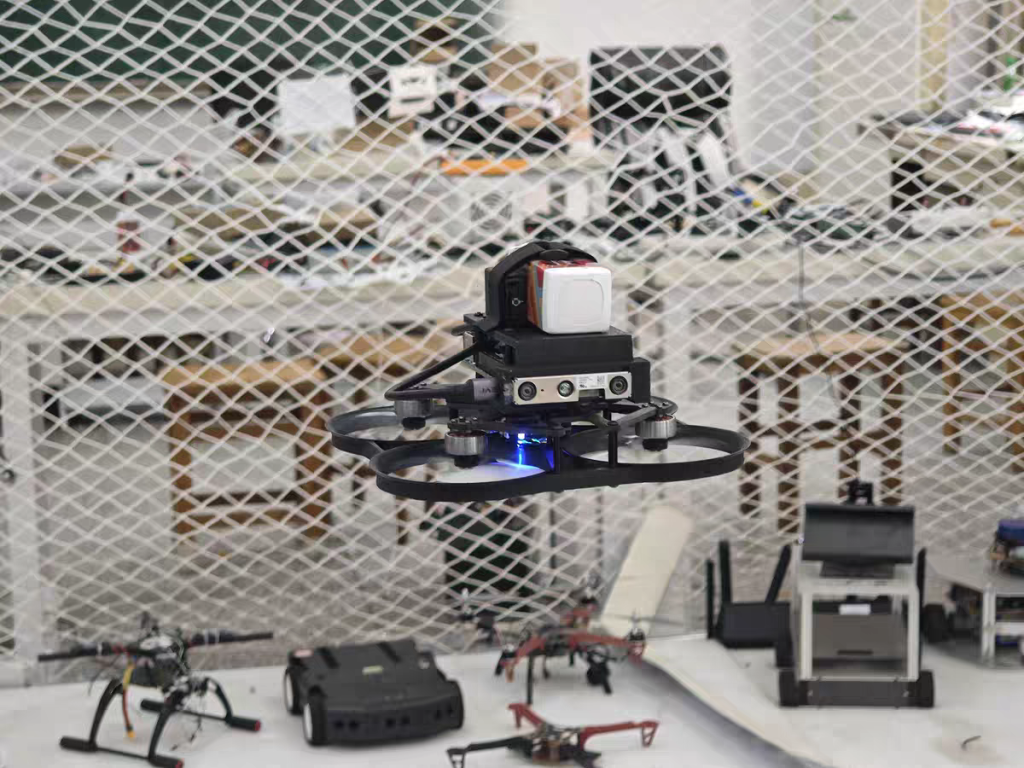
The integration of autonomous Unmanned Aerial Vehicles (UAVs) into STEM education represents a paradigm shift from passive learning to active, project-based engineering. This paper explores the pedagogical frameworks and practical implementations of autonomous flight drone programs in secondary and higher education. By moving beyond basic remote-control piloting into the realm of autonomous navigation, students engage with complex algorithms, sensor fusion, and real-time data processing. We detail the curriculum architecture, necessary hardware/software ecosystems, and the transformative impact of “learning by flying” on student competency in computer science and engineering.
1. Introduction: The Evolution of the Classroom Ceiling
For decades, the “classroom ceiling” was a physical and metaphorical barrier to STEM education. Physics was taught using textbooks; computer science was confined to screens. However, the advent of affordable, open-source autopilot hardware (such as the Pixhawk series) and powerful single-board computers (like the NVIDIA Jetson Nano) has allowed educators to bring aerospace engineering into the classroom.
The focus of modern drone education is no longer on “how to fly,” but on “how to make it fly itself.” This transition requires students to write the logic that governs flight. It transforms the drone from a toy into a “mobile robotic laboratory.” This paper outlines how to construct a curriculum where code literally gives wings to student ideas, detailing the scenarios and practices that make this possible.
2. The Pedagogical Framework: From Blockly to Python
To effectively teach autonomous flight, the curriculum must be tiered to accommodate varying skill levels. We propose a three-stage progression:
-
Stage 1: The Logic of Flight (Block-Based Coding). For beginners, visual programming languages like DroneBlocks or ArduPilot’s Mission Planner are used. Students learn the logic of loops, conditional statements (if-then), and variables by programming a drone to take off, fly a square pattern, and land. This demystifies the “black box” of flight control.
-
Stage 2: The Architecture of Autonomy (Python/C++). Intermediate students transition to text-based coding. Using the MAVSDK (Micro Air Vehicle Software Development Kit), students write Python scripts to control drone attitude, velocity, and mission waypoints. They learn to handle exceptions—for example, “if GPS signal is lost, execute a hover and wait.”
-
Stage 3: The AI Co-Pilot (Computer Vision). Advanced students integrate OpenCV or YOLO (You Only Look Once) models. They program the drone to identify objects (like a red ball or a human face) and track them autonomously. This is where the “wings of code” truly manifest, as the drone becomes an intelligent agent.
3. Teaching Scenarios: Bringing Theory to the Tarmac
3.1 Scenario A: The “Indoor GPS-Denied” Navigation Lab
GPS is unreliable indoors. This scenario challenges students to achieve stable flight using alternative sensors.
-
The Practice: Students equip a small quadcopter with an Optical Flow sensor (like the PX4FLOW) and a LiDAR (for altitude hold).
-
The Lesson: They must tune the PID (Proportional-Integral-Derivative) controllers to prevent the drone from drifting. This provides a visceral understanding of feedback loops and control theory. Students learn that “autonomy” is not magic; it is a constant battle against physics and sensor noise.
3.2 Scenario B: The Autonomous Delivery Challenge
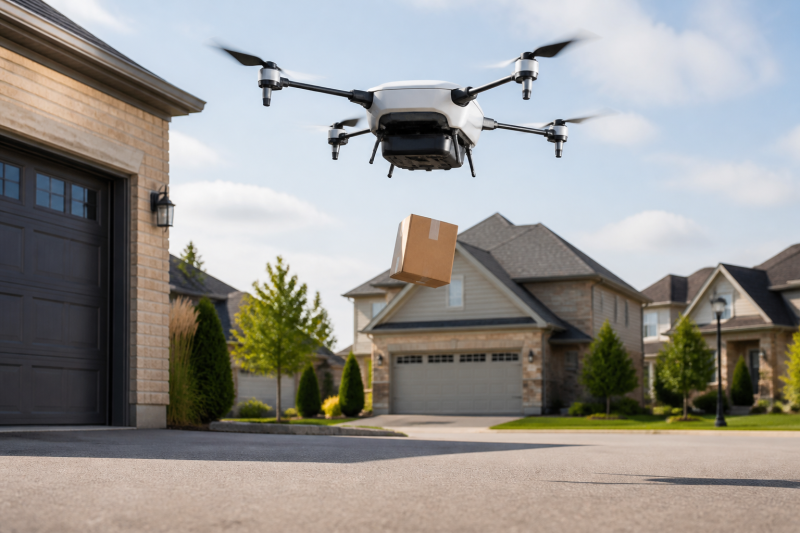
Inspired by industry logistics, this project requires students to program a drone to pick up a small payload and deliver it to a specific GPS coordinate.
-
The Practice: Students must integrate a servo mechanism (for the gripper) with the flight code. They write a state machine:
Arm -> Takeoff -> Fly to Waypoint A -> Descend -> Release Payload -> Fly to Home. -
The Lesson: This teaches systems integration. Students learn that the flight controller, the payload release, and the mission planner must communicate seamlessly. It introduces the concept of “fail-safes”—what happens if the battery drops below 20% during delivery? The code must prioritize a safe landing.
3.3 Scenario C: The Environmental Mapping Expedition
Drones are excellent tools for data collection. In this scenario, students use drones to map a section of the school campus.
-
The Practice: Using DroneDeploy or custom ROS (Robot Operating System) nodes, students program autonomous grid patterns. The drone captures overlapping images which are then stitched together using Photogrammetry software (like WebODM) to create 3D maps.
-
The Lesson: This bridges the gap between computer science and environmental science/geography. Students learn about Geospatial Information Systems (GIS) and how autonomous flight paths are optimized for data coverage rather than speed.
4. The Hardware Ecosystem: Building the “School Lab”
A successful autonomous drone program requires a specific hardware ecosystem that balances cost with capability.
-
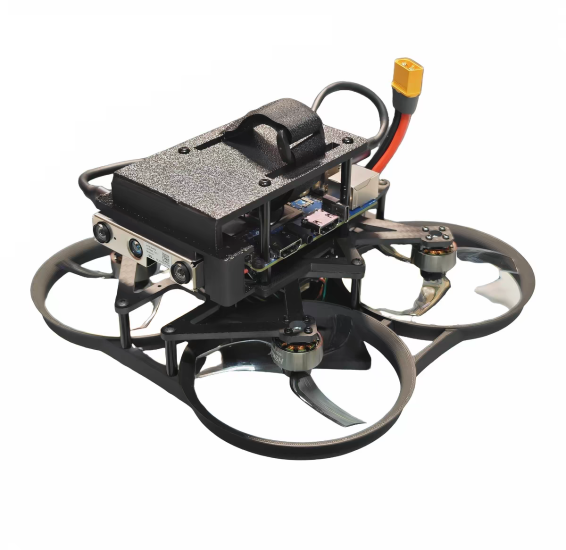
The Airframe: Durable frames (e.g., F450 or carbon fiber frames) that can withstand crashes.
-
The “Brain”: A flight controller running ArduPilot or PX4 firmware. These open-source platforms allow students to view and modify the very code that keeps the drone in the air.
-
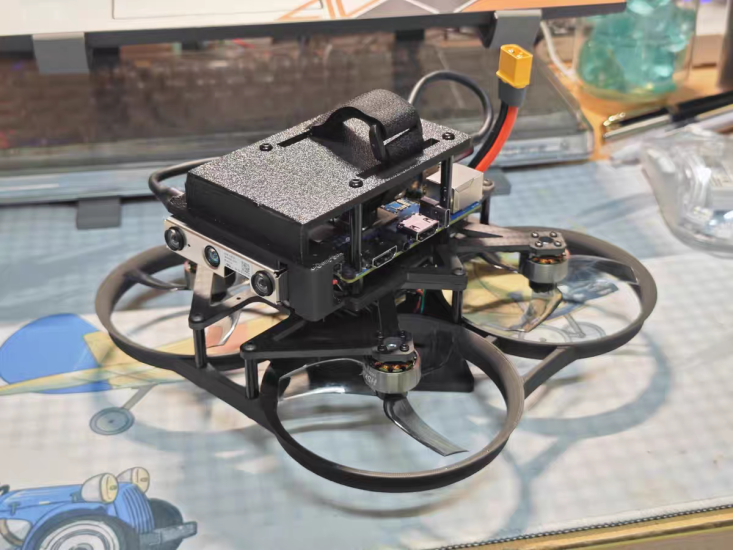
The “Co-Pilot”: A companion computer (Raspberry Pi 4 or Jetson Nano) connected via serial port. This is where the “autonomous” code (Python/ROS) runs, sending high-level commands to the flight controller.
-
The Simulator: Gazebo or RealFlight. Before any propellers spin, students must test their code in a Software-In-The-Loop (SITL) environment. This is crucial for safety and for teaching debugging skills.
5. Assessment and Evaluation: Beyond the Grade
In autonomous drone education, assessment must move away from written exams and toward Competency-Based Evaluation.
-
The “Log Analysis” Test: Instead of asking “What is a PID controller?” students are given a flight log (a
.binor.tlogfile) where the drone crashed. They must analyze the data (using tools like Mission Planner’s Log Analyzer) to determine why it crashed (e.g., “Vibration levels exceeded 30m/s/s, causing the accelerometer to fail”). -
The Code Review: Students present their Python scripts. The evaluation focuses on efficiency, error handling, and readability.
-
The “Autonomous Challenge”: A final, timed event where drones must complete a task (e.g., “Navigate a slalom course and land on a moving platform”) using only code, not RC control.
6. Challenges and Mitigation Strategies
Implementing this curriculum is not without hurdles.
-
Safety: The primary concern. Solution: Establish a “Flight Line” and use “Kill Switches.” Students must pass a “Pre-Flight Checklist” simulation before touching real hardware.
-
Complexity: The learning curve for ROS and C++ is steep. Solution: Use MicroPython or CircuitPython for initial autonomy lessons to reduce syntax overhead.
-
Cost: High-end sensors are expensive. Solution: Start with “Donor Drones” (broken consumer drones) to teach repair and salvage, reducing the need for new parts.
7. Conclusion: The Future of “Code with Wings”
Teaching autonomous flight is more than just building drones; it is about building the next generation of engineers and problem solvers. When a student writes a line of code that results in a machine lifting off the ground and making a decision, the abstract becomes concrete. The “wings” given to the code are a metaphor for the empowerment of the student. By providing these scenarios and practices, schools can transform their labs into launchpads for innovation, preparing students for a future where autonomous systems are ubiquitous.
THE END


No comments yet