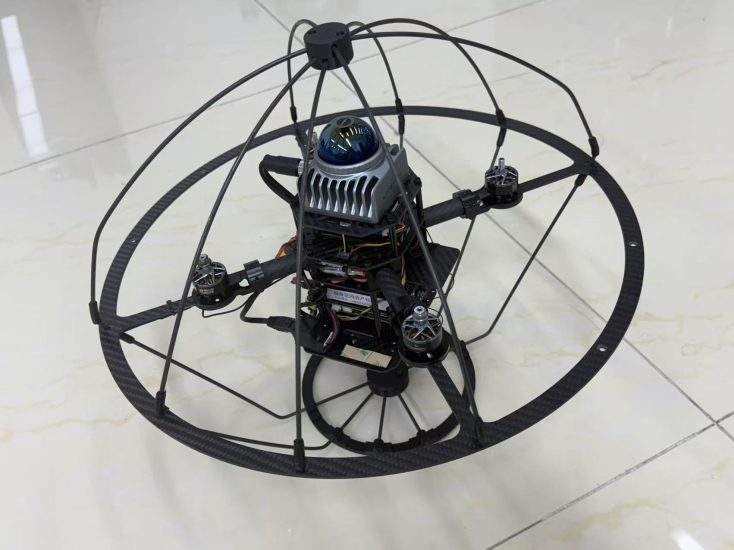


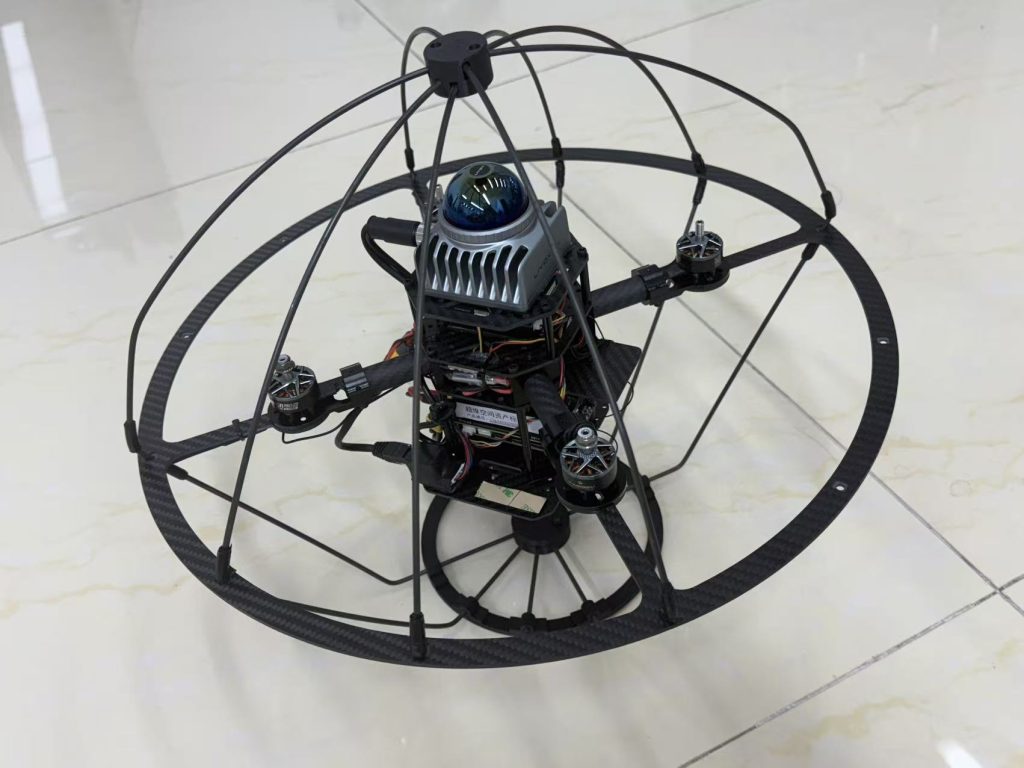
The rapid evolution of Unmanned Aerial Systems (UAS) has shifted the educational paradigm from basic remote-control operation to complex autonomous navigation. At the heart of this transition lies the MSOEN architecture—a conceptual framework representing Mission planning, Sensor fusion, Obstacle avoidance, Environmental mapping, and Network communication. This paper provides a comprehensive technical guide for educators and students on how to deconstruct and reconstruct the logic of autonomous flight, transforming theoretical physics and computer science into tangible, flying prototypes.
1. Introduction: The Shift from RC to Autonomy
Traditional drone education often begins and ends with Radio Control (RC). However, the industry standard for modern applications (such as precision agriculture, search and rescue, or logistics) is Autonomy. To teach autonomy effectively, we must move beyond the “black box” of commercial flight controllers and introduce students to the MSOEN logic. This approach demystifies the flight stack, allowing students to understand how a machine perceives its world and makes decisions without human intervention.
2. The MSOEN Framework: Core Components
To build an autonomous system from scratch, the curriculum must be divided into the five pillars of MSOEN.
2.1 Mission (M): The “Brain” and Path Planning
The Mission layer is the strategic center. Unlike a simple GPS waypoint mission, an autonomous mission requires State Machines.
-
Technical Detail: Students should learn to implement Finite State Machines (FSM) using languages like Python or C++. For example, a drone’s state might transition from
IDLEtoTAKEOFF, then toCRUISE, and finallyLANDbased on sensor triggers. -
Teaching Application: Use a grid-based simulation (like a chessboard) where students code the logic for the drone to move from Point A to Point B while avoiding “red zones.”
2.2 Sensor Fusion (S): The “Nervous System”
No single sensor is perfect. GPS drifts, accelerometers accumulate error, and barometers are affected by wind. Sensor Fusion is the mathematical process of combining data from multiple sensors to produce a more accurate estimate of the drone’s position and orientation.
-
Technical Detail: Introduce the Extended Kalman Filter (EKF). While the math is complex, the concept can be taught visually: if the GPS says you are at coordinate (10,10) but the IMU (Inertial Measurement Unit) says you are at (10.5, 10.5), the EKF calculates the probability of each to find the “truth.”
-
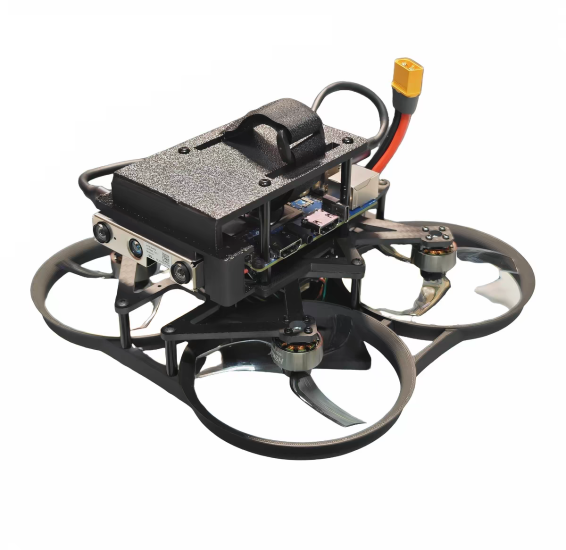
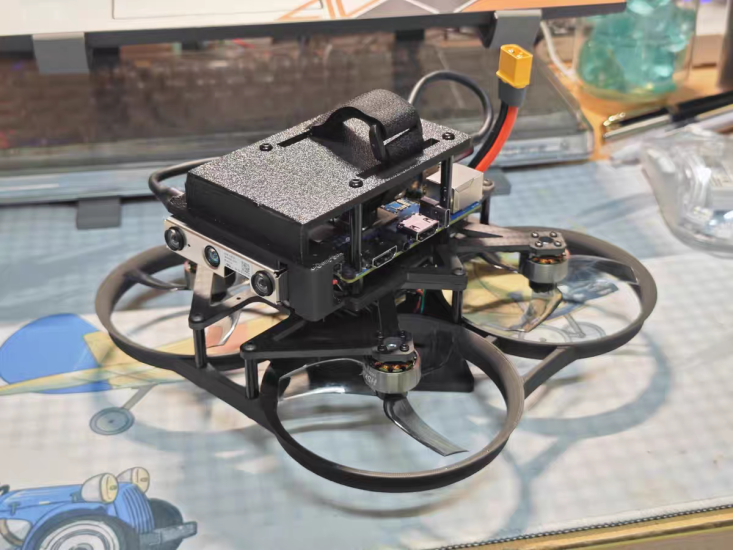
Hardware: Utilize a flight controller (e.g., Pixhawk) connected to a Raspberry Pi or Jetson Nano to process data from LiDAR, optical flow sensors, and GPS.
2.3 Obstacle Avoidance (O): The “Reflex”
Once the drone knows where it is (State) and where it wants to go (Mission), it must survive the journey. Obstacle Avoidance is the reactive layer.
-
Technical Detail: Move beyond simple “stop and hover” logic. Teach Vector Field Histograms (VFH) or Potential Fields. In this logic, obstacles exert a “repulsive force” while the target exerts an “attractive force.”
-
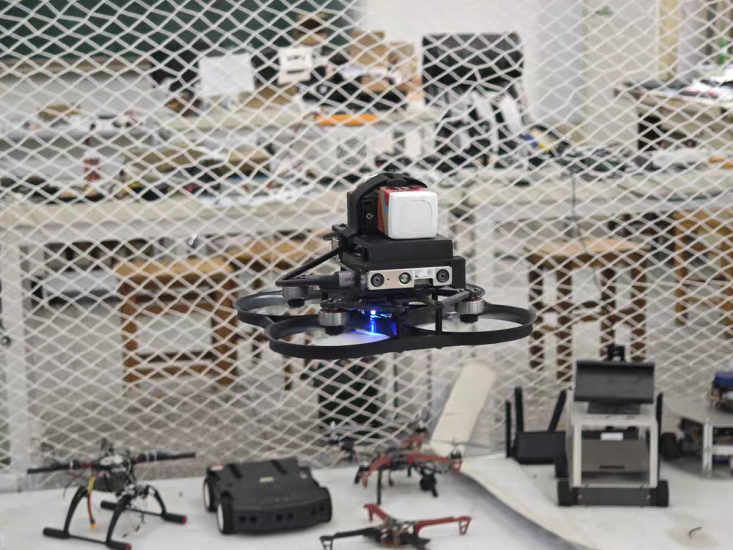
Classroom Demo: Use ultrasonic sensors or a simple stereo camera setup. Students must write a script that adjusts the throttle or yaw if an object enters a 2-meter threshold.
2.4 Environmental Mapping (E): The “Memory”
For true autonomy, the drone must build a map of the unknown environment (SLAM – Simultaneous Localization and Mapping).
-
Technical Detail: Focus on Occupancy Grid Mapping. The space is divided into a grid where each cell has a probability of being occupied. As the drone flies, it updates this grid.
-
Software: Utilize ROS (Robot Operating System) and Gazebo simulation. Students can visualize the “fog of war” lifting as the drone maps a simulated room in real-time.
2.5 Network (N): The “Voice”
Autonomous systems rarely operate in isolation. The Network layer handles telemetry, video downlink, and remote command overrides.
-
Technical Detail: Teach the difference between MAVLink (Micro Air Vehicle Link) for command and control and standard video streaming protocols.
-
Security Note: A crucial part of the curriculum should be “Network Vulnerabilities.” Students should learn how to encrypt telemetry data to prevent “spoofing” or “hijacking.”
3. The Pedagogical Pipeline: From Sim to Sky
To implement this in a school setting, a three-stage pipeline is recommended:
-
Stage 1: The Digital Twin (Simulation). Use ArduPilot SITL (Software In The Loop) or PX4 with Gazebo. This allows students to crash virtual drones without breaking hardware. They learn to write Python scripts to control the drone’s attitude and position.
-
Stage 2: The Workbench (Hardware Integration). Students move from the keyboard to the soldering iron. They must wire the ESCs (Electronic Speed Controllers), calibrate the EKF, and ensure the sensors are communicating via I2C or SPI protocols.
-
Stage 3: The Flight Lab (Validation). Conducting the “MSOEN Challenge.” Students program a drone to take off, navigate a hallway (using only on-board sensors, no GPS), detect a specific colored marker (Computer Vision), and land on a designated pad.
4. Challenges and Future Outlook
The primary challenge in teaching MSOEN is the computational gap. High-level autonomy requires significant processing power (AI for object detection), which can be expensive. However, with the advent of edge-computing devices like the Raspberry Pi AI Kit, schools can now run lightweight Neural Networks for image recognition on a budget.
Conclusion:
Teaching the MSOEN framework transforms students from “pilots” into “architects” of autonomous systems. By breaking down the complexity of flight into Mission, Sensor, Obstacle, Environment, and Network, we provide a scaffold that supports deep learning in robotics, AI, and aerospace engineering. The goal is not just to make the drone fly, but to make the logic of flight transparent and reproducible.
THE END


No comments yet