


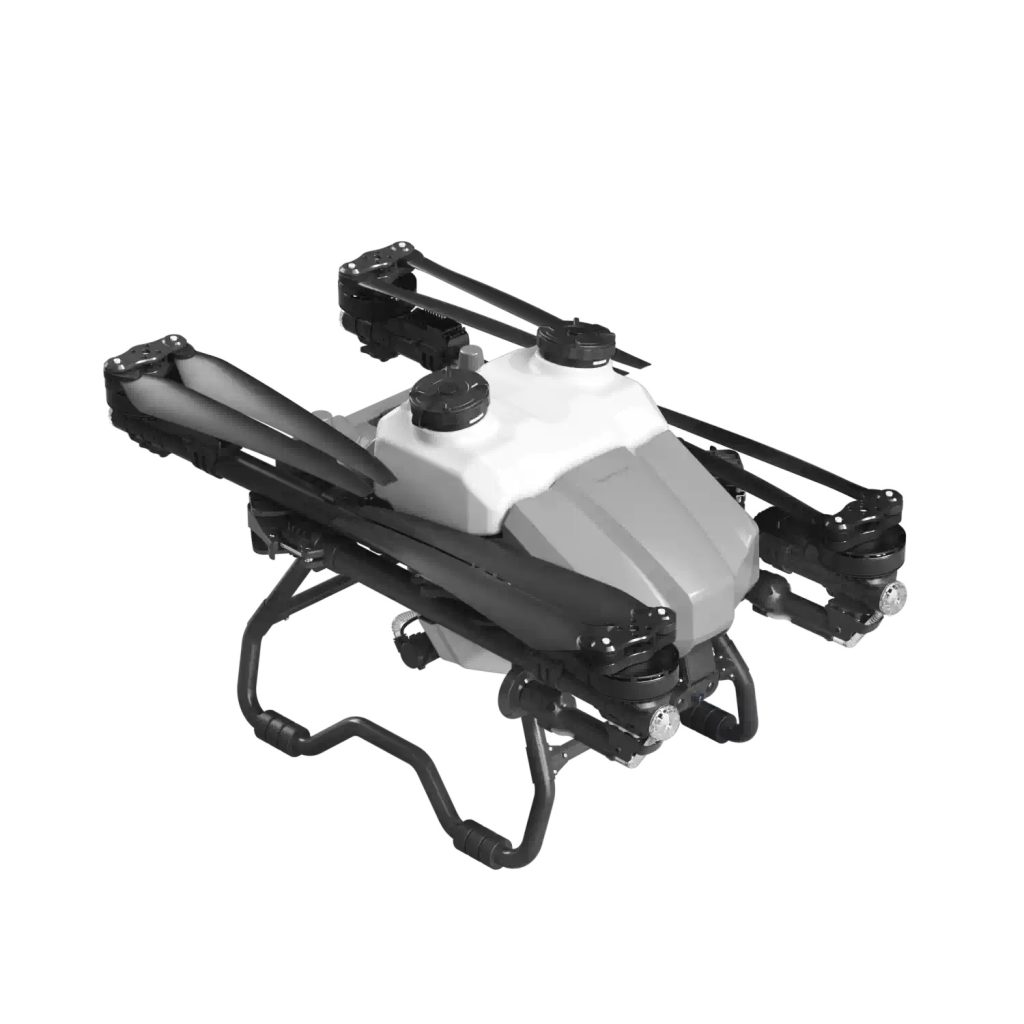
A drone that drifts, shakes, or cannot hold its position properly can make flying difficult and unsafe. This issue is usually related to calibration, environmental interference, or minor hardware problems. In most cases, it can be fixed without technical repair.
Below are the most common reasons for unstable flight and how to solve them step by step.
1. Compass or IMU Calibration Problem
Improper calibration is one of the main reasons for drifting.
What happens: The drone cannot accurately understand its orientation, so it slowly moves in the wrong direction.
How to fix it:
-
Perform compass calibration in an open area
-
Complete IMU calibration through the app
-
Avoid metal objects or magnetic interference during calibration
After calibration, restart the drone and test again.
2. Wind Interference
Even light wind can affect smaller or lightweight drones.
Signs:
-
Drone slowly moves in one direction
-
Difficulty holding position outdoors
Solution:
-
Fly in a low-wind environment (below recommended wind level)
-
Avoid open coastal or high-altitude areas
-
Test hovering indoors (only if GPS is not required)
3. GPS Signal Instability
When GPS is weak or unstable, the drone cannot maintain accurate positioning.
What to check:
-
Number of satellites connected
-
Open outdoor area without tall buildings
-
GPS status is “ready” before takeoff
If GPS is weak, switch to a more open location and wait for full signal lock.
4. Damaged or Unbalanced Propellers
Even slightly damaged propellers can cause vibration and drifting.
How to check:
-
Look for cracks or bends
-
Ensure all propellers are tightly installed
-
Replace any damaged blades immediately
A small imbalance can significantly affect flight stability.
5. Firmware Not Updated
Outdated firmware can lead to control errors and unstable flight behavior.
Solution:
-
Check for the latest firmware version in the app
-
Update using a stable internet connection
-
Restart the drone after update completion
Firmware updates often fix flight control bugs and improve stability.
6. Sensor or Gyroscope Error
The drone relies on internal sensors to maintain balance.
Symptoms:
-
Sudden tilting
-
Difficulty hovering
-
Inconsistent movement
Fix:
-
Recalibrate IMU
-
Restart the drone system
-
Ensure the drone is placed on a flat surface before calibration
7. Incorrect Flight Mode Settings
Some drones have multiple flight modes that affect stability.
Check:
-
Sport mode (less stability, more speed)
-
Beginner mode (more stable)
-
GPS vs ATTI mode differences
Switch to a stable mode if drifting occurs during normal flight.
Quick Stability Checklist
Before flying, always confirm:
-
Calibration completed successfully
-
Propellers are in good condition
-
GPS signal is strong
-
Wind conditions are safe
-
Firmware is up to date
FAQ
Why does my drone drift even when GPS is on?
This may be due to poor calibration or weak satellite signal.
Can propellers cause unstable flight?
Yes, even slight damage or incorrect installation can affect balance.
Is drifting normal in windy conditions?
Yes, all drones are affected by wind to some extent.
THE END







No comments yet