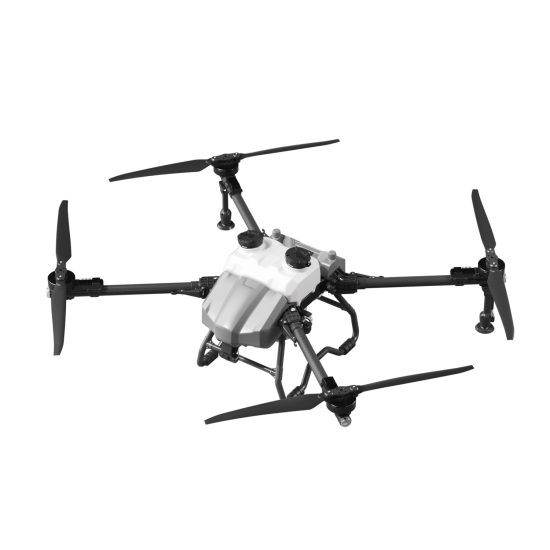


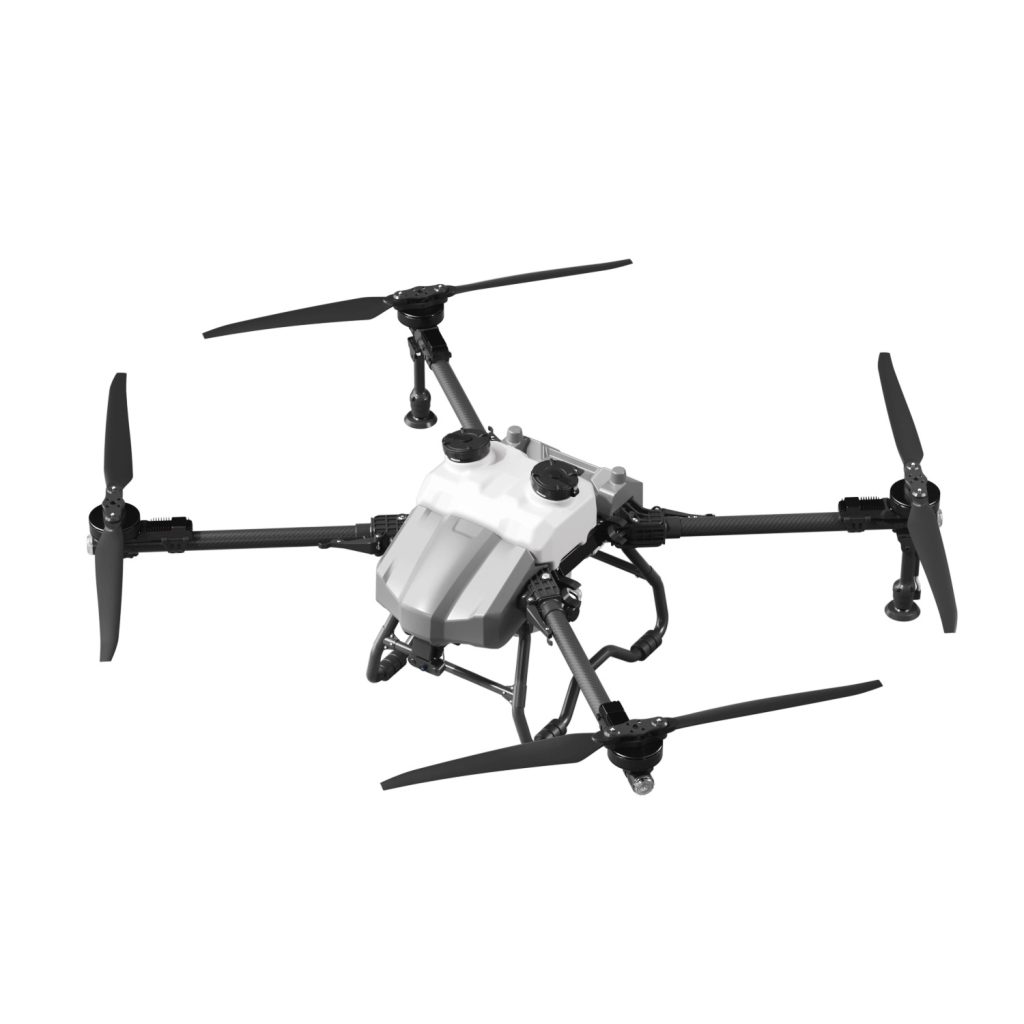
A weak GPS signal is a common issue that can prevent a drone from taking off or cause unstable flight. Since GPS is responsible for positioning and safety features like return-to-home, a poor signal can significantly affect performance. This guide explains why it happens and how to fix it.
1. Flying in the Wrong Environment
The most common reason for weak GPS is the flying location.
Problem areas:
-
Indoors or inside buildings
-
Near tall buildings or bridges
-
Under trees or dense cover
Solution: Move to an open outdoor area with a clear sky view. GPS needs a wide line of sight to connect with satellites.
2. Not Enough Satellite Signals
Your drone needs a minimum number of satellites before it can fly safely.
What you may see:
-
“Searching GPS” status
-
Slow or no position lock
-
Warning messages in the app
Fix:
-
Wait 1–3 minutes after powering on
-
Stay still during satellite search
-
Avoid moving the drone until signal stabilizes
In most cases, patience allows the system to fully lock onto satellites.
3. Interference from Magnetic or Electronic Sources
Strong interference can disrupt GPS accuracy.
Common sources:
-
High-voltage power lines
-
Large metal structures
-
Mobile signal towers or strong Wi-Fi areas
Solution: Move away from these objects and try again in a clean open space.
4. Cold Start Delay (Normal GPS Behavior)
Sometimes the drone simply needs time to initialize GPS.
What happens:
-
First startup takes longer than usual
-
Signal gradually improves after a few minutes
What to do:
-
Keep the drone powered on and stationary
-
Do not take off until GPS is marked “ready”
This is completely normal for many drone systems.
5. GPS Module or Firmware Issue
If GPS problems happen repeatedly in different locations, it may be system-related.
Try this:
-
Restart the drone and controller
-
Update firmware to the latest version
-
Reset settings if available in the app
Software updates often improve GPS stability and accuracy.
6. Weather Conditions
Weather can also affect GPS performance.
Possible issues:
-
Heavy clouds or storms
-
Strong solar or atmospheric interference (rare)
-
High humidity environments
Solution: Wait for better weather conditions for stable flight.
7. Hardware Damage (Rare Case)
If none of the above works, there may be a hardware issue.
Signs:
-
No GPS signal in any location
-
Consistent failure after updates
-
Other sensors also behaving abnormally
In this case, professional inspection may be required.
Quick GPS Checklist Before Flight
Always confirm:
-
Open outdoor space with clear sky
-
Enough satellites connected
-
GPS status shows “ready”
-
No strong magnetic interference nearby
-
Drone remains still during startup
FAQ
Why does my drone take so long to get GPS signal?
It may be due to weak satellite visibility or first-time startup delay.
Can I fly without GPS?
Yes, but it is not recommended as stability and safety features will be limited.
Why does GPS work in one place but not another?
Different environments affect satellite visibility and interference levels.
THE END








No comments yet