



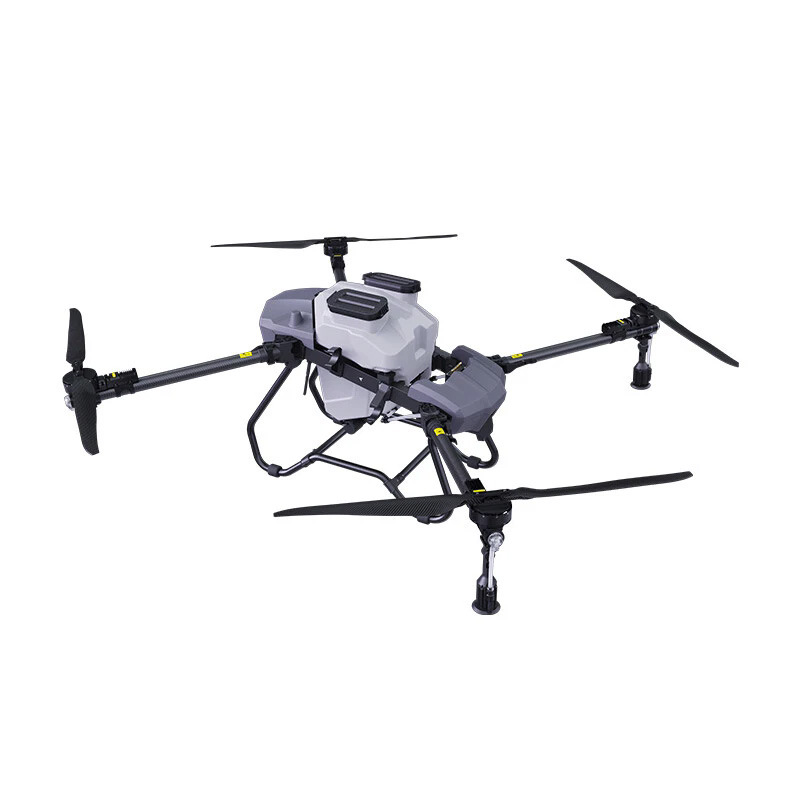
Drone battery not charging is one of the most frustrating problems for users, especially in the field or during urgent operations. In most cases, the issue is not a damaged battery, but a simple problem with charger, connection, or battery protection mode.
This guide will help you quickly identify the cause and fix it step by step.
1. Charger Not Working Properly
A faulty charger is the most common reason for charging failure.
Problem signs:
- No indicator light on charger
- Battery shows no charging response
- Charging stops immediately
Solution:
- Try a different outlet
- Check charging cable for damage
- Use original charger only
- Replace charger if necessary
2. Battery Not Properly Connected
Loose or incorrect connection can stop charging.
Solution:
- Remove battery and reinstall it
- Ensure battery clicks into place
- Clean metal contacts gently
- Avoid forcing battery into slot
👉 Dirty or misaligned contacts often block power flow.
3. Battery Protection Mode Activated
Modern drone batteries have smart protection systems.
Problem signs:
- Battery shows no response after storage
- Charging starts then stops immediately
- Battery is fully drained for long time
Solution:
- Leave battery on charger for 10–20 minutes
- Try “wake-up” charging method
- If supported, reset battery via controller/app
4. Over-Discharged Battery
If the battery is stored too long without charging, it may enter deep discharge mode.
Solution:
- Charge for at least 30–60 minutes continuously
- Do not unplug too early
- If still not responding, try slow charging mode
👉 Some batteries may not recover if deeply damaged.
5. Temperature Too High or Too Low
Temperature affects lithium battery performance.
Problem conditions:
- Cold weather (below 10°C)
- Hot environment (above 40°C)
Solution:
- Bring battery to room temperature before charging
- Avoid direct sunlight or freezing conditions
- Wait 10–15 minutes before charging
6. Damaged Battery or Swollen Cells
Physical damage will stop safe charging.
Warning signs:
- Battery swelling or deformation
- Strange smell or heat
- Visible cracks
Solution:
- Stop using immediately
- Do not attempt charging
- Replace with new battery
7. Firmware or System Issue
Some smart batteries require system communication.
Solution:
- Update drone firmware
- Restart drone and controller
- Reconnect battery system (if app supported)
8. Charging Port or Cable Damage
Internal or external damage can interrupt charging.
Solution:
- Inspect charging port for dust or damage
- Try another cable
- Clean gently with dry brush
FAQ (Frequently Asked Questions)
Q1: Why is my drone battery not charging at all?
A: Usually caused by charger failure, poor connection, or deep discharge.
Q2: How long does a drone battery take to charge?
A: Typically 60–120 minutes depending on capacity.
Q3: Can I use third-party chargers?
A: Not recommended, as it may damage the battery or reduce lifespan.
Q4: Why does my battery charge for a few seconds then stop?
A: Battery protection mode or temperature issue.
Q5: How do I know if my battery is damaged?
A: Swelling, overheating, or no response after multiple charging attempts.
Drone battery charging issues are usually caused by charger problems, poor connection, deep discharge, or temperature conditions. In most cases, switching charger or allowing proper recovery time can solve the issue.
If the battery is physically damaged or still not charging after troubleshooting, it should be replaced immediately for safety.







No comments yet