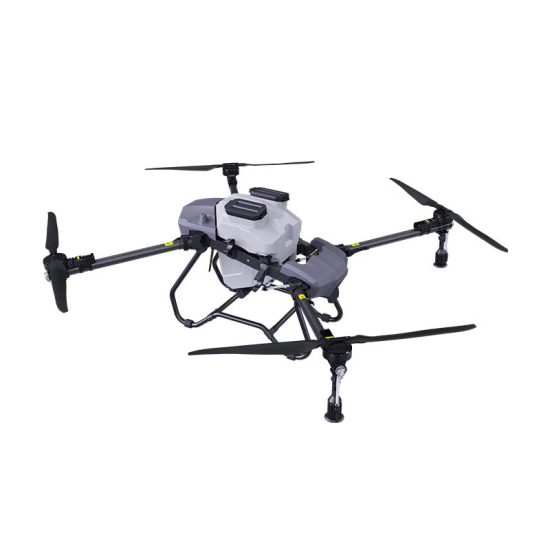


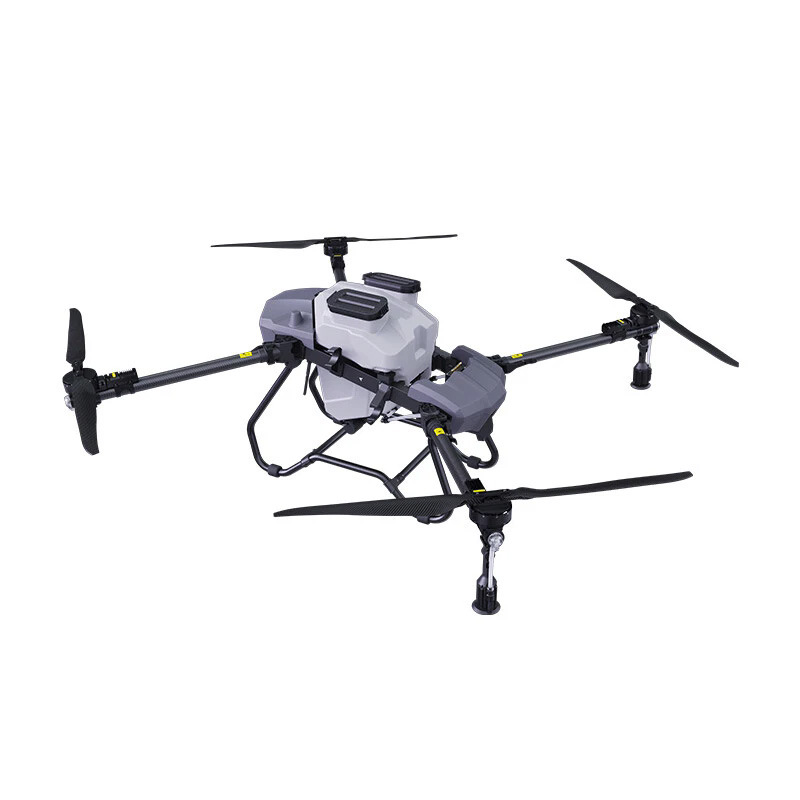
A drone that refuses to take off is frustrating, especially when everything seems normal at first glance. In most cases, the problem is not serious and can be solved through simple checks. However, it usually comes down to safety systems, battery issues, or sensor errors.
This guide will help you quickly identify why your drone won’t take off and how to fix it.
1. Low or Faulty Battery
The most common reason a drone cannot take off is insufficient battery power. Many drones are designed to block takeoff when the battery is too low to ensure safety.
Solutions:
- Fully charge the battery before flight
- Check if the battery is properly inserted
- Replace old batteries that no longer hold charge well
2. GPS Not Ready or Weak Signal
Some drones require a strong GPS lock before allowing takeoff, especially in beginner or smart flight modes.
Solutions:
- Move to an open outdoor area
- Wait for GPS signal to stabilize (10+ satellites recommended)
- Avoid flying near tall buildings or metal structures
3. Compass or IMU Calibration Error
If sensors are not properly calibrated, the drone may refuse to take off as a safety precaution.
Solutions:
- Recalibrate compass before flight
- Perform IMU calibration on a flat, stable surface
- Avoid calibration near metal or electronic interference
4. Propeller Installation Problems
Incorrect or loose propellers can prevent takeoff or trigger motor errors.
Solutions:
- Check if propellers are installed in correct positions
- Ensure each propeller is tightly secured
- Replace any damaged or deformed blades
5. Motor or Arm Lock Issues
Some drones have motor protection systems that prevent takeoff if something is stuck or abnormal.
Solutions:
- Check if motors rotate freely by hand (power off)
- Remove dust, sand, or debris from motors
- Restart the drone after inspection
6. Firmware or App Connection Issues
Sometimes the drone is actually ready, but communication errors prevent takeoff commands.
Solutions:
- Reconnect drone and controller
- Restart the mobile app
- Update firmware and controller software
7. Safety Lock or Beginner Mode Enabled
Many drones include safety features that restrict takeoff under certain settings.
Solutions:
- Disable beginner mode if you are experienced
- Check if “no-fly zone” restrictions are active
- Review safety settings in the app
FAQ
Q1: Why does my drone beep but not take off?
It usually indicates a safety warning such as low battery, GPS error, or sensor calibration issue.
Q2: Can wind prevent a drone from taking off?
Strong wind can make takeoff unsafe, and some drones may block it automatically.
Q3: What should I check first when a drone won’t start?
Always check battery level and propeller installation first, as these are the most common causes.
Q4: Is it normal for new drones to refuse takeoff?
Yes, new drones often require initial calibration and GPS setup before first flight.
Conclusion
A drone that cannot take off is usually experiencing a safety-triggered restriction rather than a serious failure. By checking battery, GPS, calibration, and propellers step by step, you can quickly identify and solve the problem, ensuring safe and smooth flight operation.








No comments yet