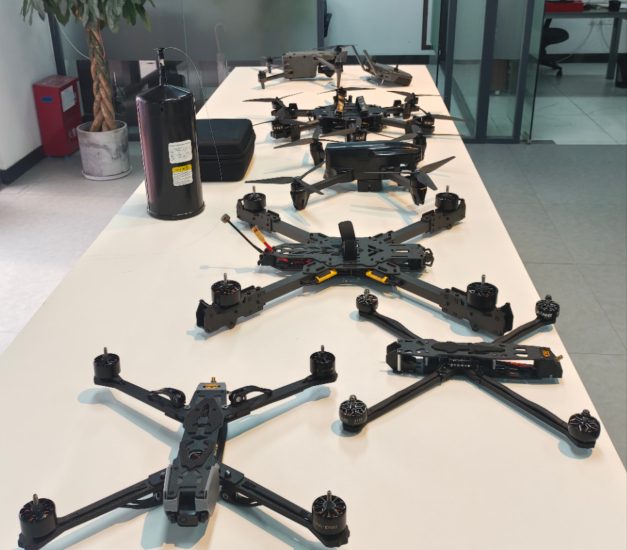




Propeller or motor issues are serious because they directly affect flight safety. If your drone’s propellers don’t spin, spin unevenly, or produce unusual noise, the drone may fail to take off or become unstable in the air.
This guide helps you identify the causes and fix propeller-related problems quickly and safely.
1. Incorrect Propeller Installation
One of the most common reasons is that propellers are installed in the wrong position or direction.
Solutions:
- Check left/right propeller markings carefully
- Match each propeller to the correct motor position
- Reinstall firmly according to the manual
2. Damaged or Deformed Propellers
Even small cracks or bends can affect balance and cause noise or failure to spin.
Solutions:
- Inspect each blade for cracks, chips, or deformation
- Replace damaged propellers immediately
- Always use original or compatible parts
3. Motor Blockage or Dirt Inside
Sand, dust, or small debris can block motor rotation.
Solutions:
- Power off the drone completely
- Gently clean motor area with a soft brush or air blower
- Avoid using water or liquid cleaners
4. Motor Damage or Burnout
If one motor stops responding completely, it may be damaged.
Signs:
- One propeller does not spin at all
- Burning smell or overheating
- Strong vibration before failure
Solutions:
- Stop using the drone immediately
- Contact repair service or replace motor
- Avoid repeated crash flights
5. Low Battery Power
Low power can prevent motors from starting properly.
Solutions:
- Fully charge the battery before flight
- Check battery health status in the app
- Replace aging batteries if needed
6. Firmware or ESC (Electronic Speed Controller) Issues
Software or controller errors can affect motor response.
Solutions:
- Update drone firmware
- Restart drone and controller
- Reset factory settings if necessary
7. Safety Lock or Startup Protection
Some drones will not spin propellers if safety conditions are not met.
Solutions:
- Ensure GPS and calibration are complete
- Check if takeoff lock is enabled in the app
- Restart drone and retry initialization
FAQ
Q1: Why does my drone only spin 2 propellers?
This usually indicates motor damage, incorrect installation, or ESC failure.
Q2: Can I fly with a slightly damaged propeller?
No, it can cause instability and further damage to the drone.
Q3: Why do propellers make loud noise?
It is often caused by imbalance, loose installation, or motor wear.
Q4: How often should I replace propellers?
Replace them whenever you see visible damage or after hard impacts.
Conclusion
Propeller issues are usually caused by installation errors, damage, dirt, or motor problems. By inspecting each part carefully and replacing damaged components in time, you can maintain safe and stable drone operation.








No comments yet