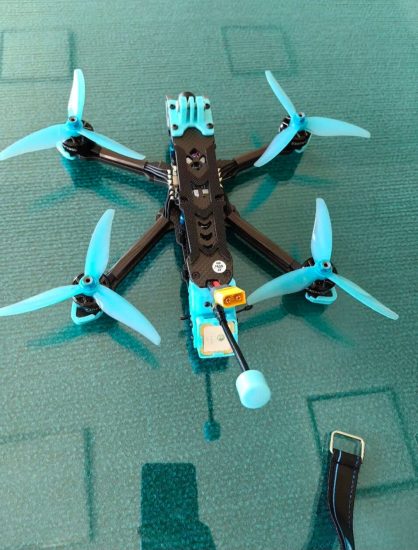




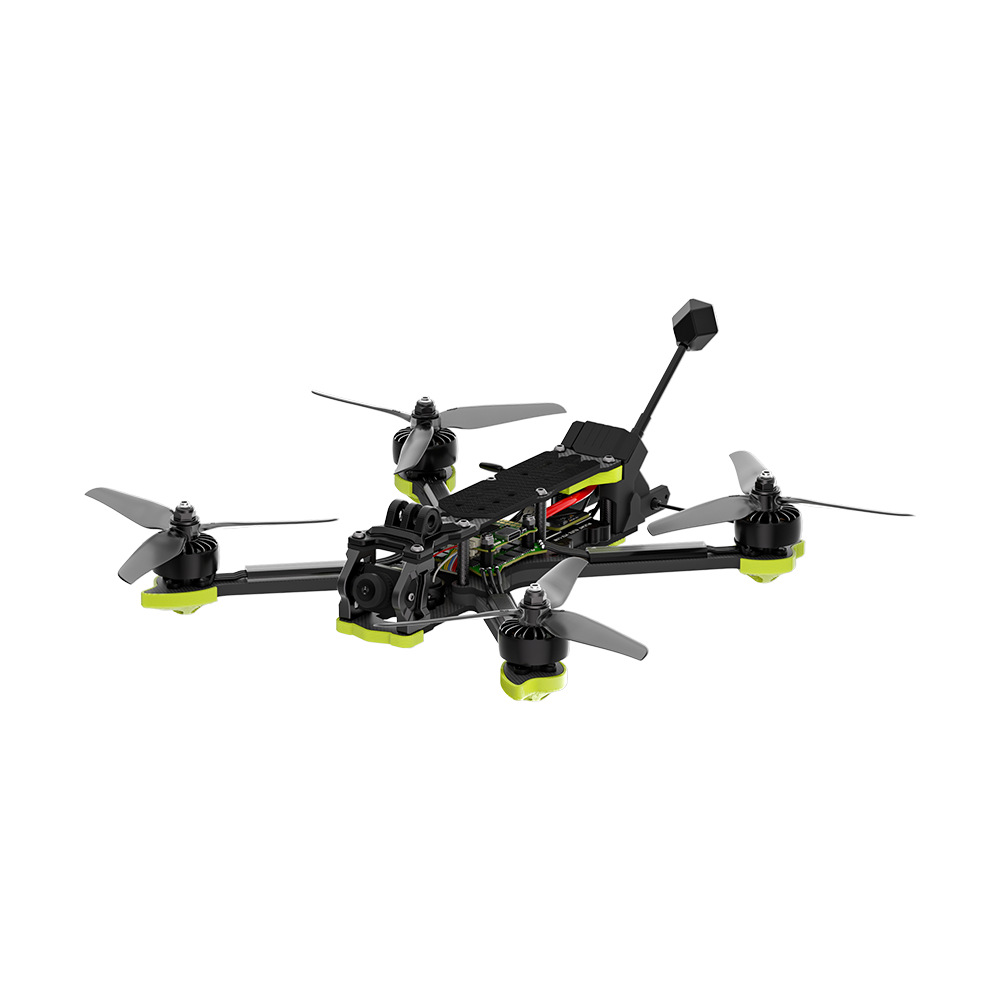
GPS positioning failure is a critical issue in drone operation. When GPS does not work properly, the drone may drift, fail to hover accurately, or refuse to switch to smart flight modes. In some cases, it may even prevent takeoff for safety reasons.
This guide explains the main causes of GPS failure and how to fix them quickly and effectively.
1. Insufficient Satellite Signal
The most common reason for GPS failure is weak or unstable satellite reception.
Causes:
- Flying indoors or near buildings
- Dense tree cover or mountainous areas
- Bad weather conditions (clouds, storms)
Solutions:
- Move to an open outdoor area
- Wait for the drone to lock at least 10–12 satellites
- Avoid taking off immediately after powering on
2. GPS Initialization Not Completed
Many drones require a short initialization period before GPS becomes fully active.
Solutions:
- Turn on the drone and wait 1–3 minutes before takeoff
- Keep the drone stationary during GPS search
- Check the app for “GPS Ready” status
3. Compass Interference
A faulty or disturbed compass can prevent proper GPS positioning because the drone cannot determine direction accurately.
Solutions:
- Recalibrate the compass in an open area
- Avoid metal objects, cars, and electronic devices during calibration
- Do not calibrate in the same place repeatedly
4. Electromagnetic Interference
Strong electromagnetic fields can disrupt GPS signals.
Causes:
- High-voltage power lines
- Mobile towers
- Radio transmission stations
Solutions:
- Change flight location
- Maintain distance from interference sources
- Reboot drone and try again
5. Firmware or Software Issues
Outdated firmware can lead to GPS instability or failure to lock satellites.
Solutions:
- Update drone firmware regularly
- Update mobile app and controller software
- Restart devices after updates
6. GPS Module Damage or Hardware Fault
If all settings are correct but GPS still fails, hardware damage may be the cause.
Solutions:
- Check for crash history or physical damage
- Contact manufacturer or repair service
- Replace GPS module if necessary
7. Wrong Flight Mode Settings
Some drones will disable GPS in certain modes like indoor or beginner flight mode.
Solutions:
- Switch to GPS mode or normal flight mode
- Disable indoor mode when flying outside
- Check flight mode settings in the app
FAQ
Q1: Why does my drone say “GPS not ready”?
It usually means the drone has not locked enough satellites yet or is in an unsuitable environment.
Q2: Can I fly without GPS?
Yes, but stability will be reduced, and manual control is required.
Q3: How long does GPS take to connect?
Typically 30 seconds to 3 minutes depending on location and signal strength.
Q4: Why does GPS fail more in cities?
Because tall buildings and interference block satellite signals.
Conclusion
Drone GPS positioning failure is usually caused by weak satellite signals, interference, calibration issues, or software problems. By flying in open areas, waiting for full GPS lock, and keeping firmware updated, you can ensure stable and accurate positioning for safe drone operation.








No comments yet