



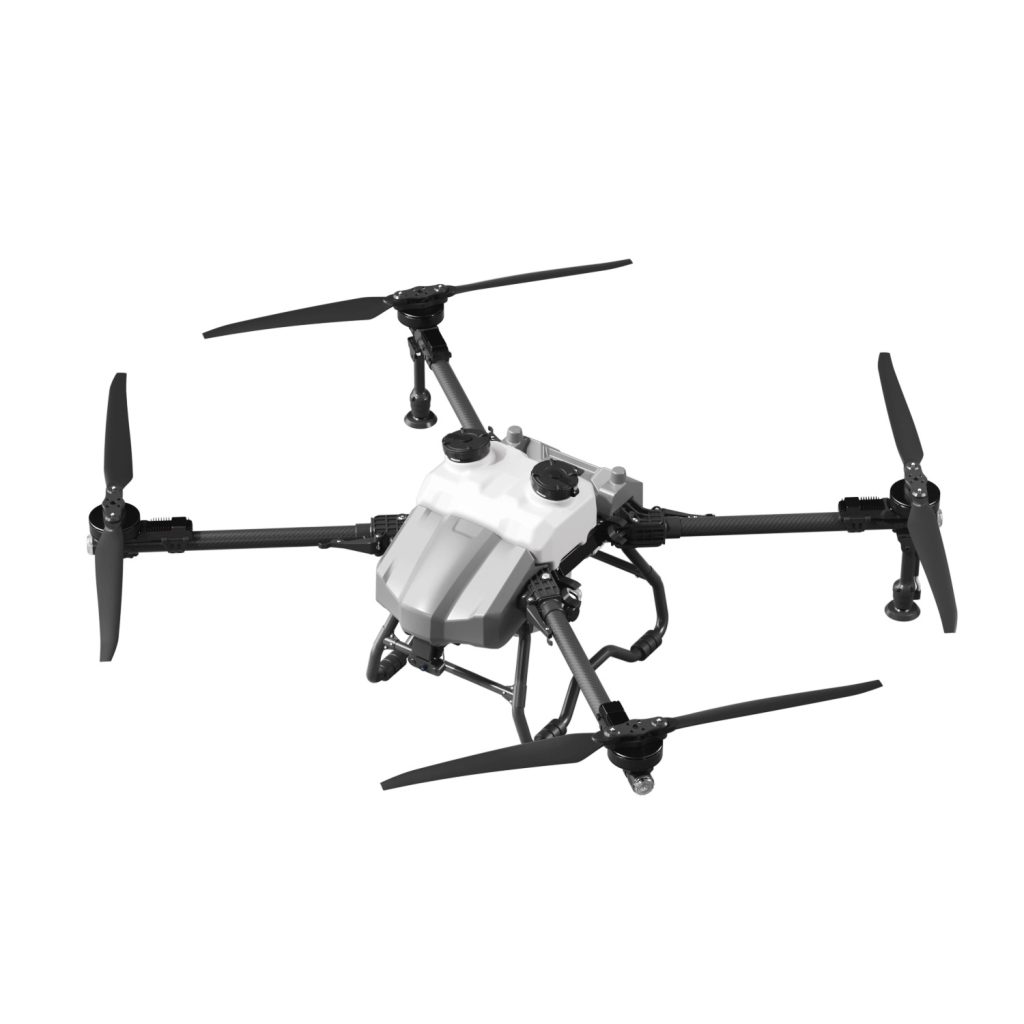

Blurry drone footage is a common issue that affects aerial photography, inspection work, and commercial drone projects. In most cases, the problem is not the camera itself, but settings, flight stability, or environmental conditions.
This guide explains why drone footage becomes blurry and how to fix it for sharp, professional-quality results.
1. Dirty or Damaged Camera Lens
A simple but often overlooked reason for blurry footage is a dirty or scratched lens.
Solutions:
- Clean the lens gently with a microfiber cloth
- Avoid touching the lens directly with fingers
- Replace the lens protection cover if scratched
2. Incorrect Camera Focus Settings
Some drones allow manual or semi-automatic focus adjustments. Incorrect settings can reduce clarity.
Solutions:
- Set focus to auto mode if available
- Tap-to-focus on the subject via app
- Recalibrate camera settings if images stay unclear
3. Low Shutter Speed Causing Motion Blur
When shutter speed is too slow, moving drones create blurry images.
Solutions:
- Increase shutter speed in manual mode
- Use ND filters in bright conditions
- Avoid fast movements during shooting
4. Unstable Flight or Vibration
Drone shaking or vibration directly affects image sharpness.
Solutions:
- Check propellers for damage or imbalance
- Calibrate IMU and gimbal
- Avoid flying in strong wind
5. Poor Gimbal Calibration
The gimbal stabilizes the camera. If it is misaligned, footage will appear shaky or blurry.
Solutions:
- Perform gimbal auto-calibration before flight
- Ensure the drone is on a flat surface during calibration
- Restart the drone after calibration
6. Low Light Conditions
Insufficient lighting forces the camera to use slower shutter speeds, increasing blur.
Solutions:
- Shoot in well-lit environments when possible
- Use ISO and exposure adjustments carefully
- Avoid filming at night without proper lighting setup
7. Low Video Resolution or Compression Settings
Low-quality settings can reduce clarity even if the drone is functioning properly.
Solutions:
- Set video resolution to 4K or highest available option
- Use higher bitrate settings if supported
- Avoid excessive digital zoom
FAQ
Q1: Why is my drone video blurry even when hovering still?
It may be due to lens dirt, gimbal misalignment, or incorrect camera settings.
Q2: Can wind cause blurry footage?
Yes, wind causes vibration and instability, leading to motion blur.
Q3: Do cheap drones always have blurry footage?
Not necessarily, but lower-end drones usually have weaker stabilization systems.
Q4: How can I quickly improve video quality?
Clean the lens, calibrate the gimbal, and adjust shutter speed for best results.
Conclusion
Blurry drone footage is usually caused by a combination of lens issues, unstable flight, poor settings, or environmental factors. By optimizing camera configuration and ensuring stable flight conditions, you can significantly improve image sharpness and produce professional-quality aerial content.








No comments yet