




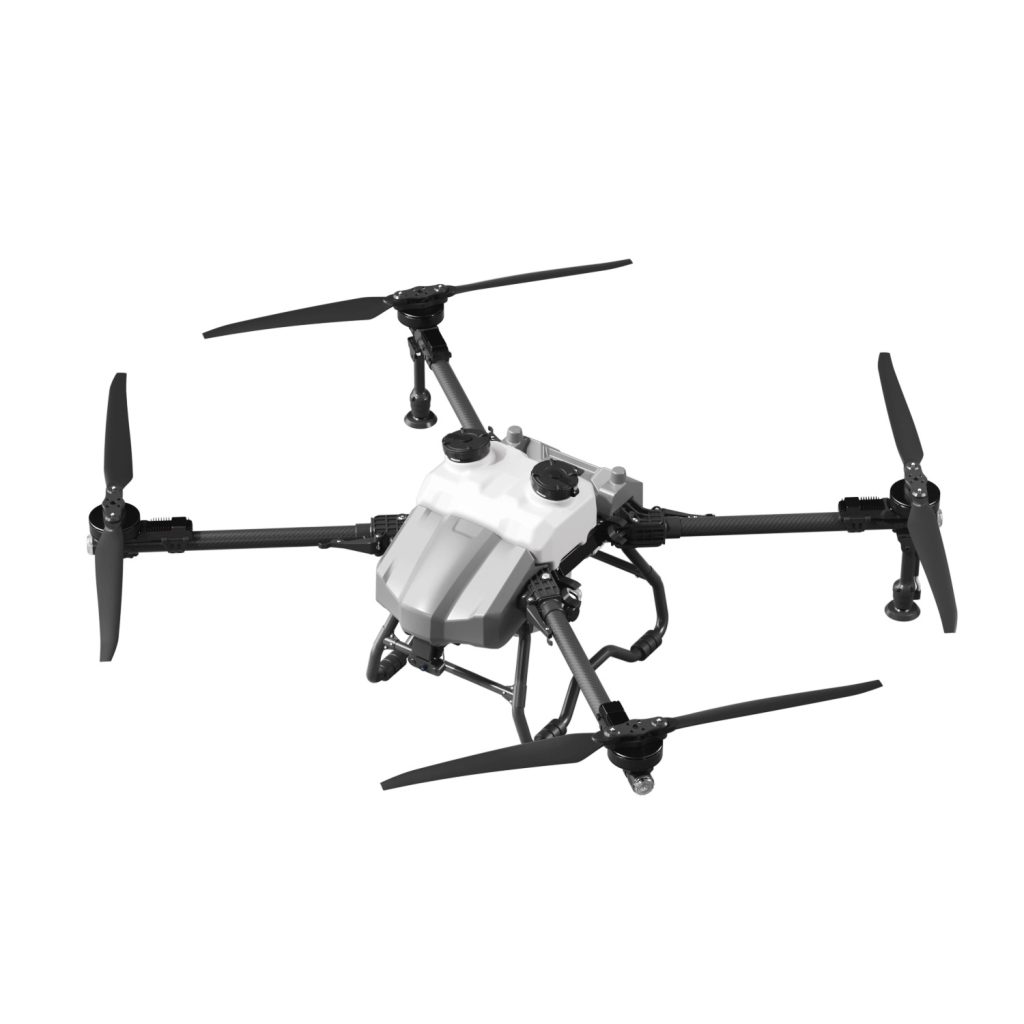
Proper GPS and flight controller calibration is important for safe and accurate drone operation. In agricultural applications, calibration helps improve flight stability, positioning accuracy, spraying precision, and route consistency. If a drone experiences unstable flight, inaccurate positioning, or warning messages, calibration may be required.
This guide explains how to calibrate a drone’s GPS and flight controller for reliable performance.
Why Drone Calibration Matters
Regular calibration helps:
-
Improve flight stability
-
Increase GPS positioning accuracy
-
Reduce navigation errors
-
Improve spraying precision in agricultural work
-
Prevent unexpected flight behavior
Poor calibration may lead to drifting, unstable hovering, inaccurate routes, or flight warnings.
What Is GPS Calibration?
GPS calibration helps the drone determine its position accurately during flight.
A properly calibrated GPS system can support:
-
Stable hovering
-
Better route planning
-
Accurate positioning during spraying tasks
-
Improved flight safety
Environmental interference may occasionally affect positioning performance.
What Is Flight Controller Calibration?
The flight controller acts as the drone’s control system and helps manage:
-
Flight balance
-
Sensor coordination
-
Navigation response
-
Stability during operation
Calibration ensures sensors and movement systems work correctly.
When Should You Calibrate a Drone?
Calibration is commonly recommended when:
-
Flying in a new location
-
GPS signal appears unstable
-
The drone drifts during hovering
-
System warning messages appear
-
The drone behaves abnormally during flight
-
Major maintenance has been completed
Routine inspection helps reduce operational problems.
Step 1: Choose a Safe Calibration Area
Before calibration:
-
Select an open outdoor area
-
Stay away from buildings or metal structures
-
Avoid strong electromagnetic interference
-
Ensure stable weather conditions
Open spaces generally improve signal reliability.
Step 2: Power On the Drone Correctly
Basic startup sequence:
-
Turn on the remote controller.
-
Power on the drone.
-
Wait for system initialization.
-
Confirm battery and connection status.
-
Check GPS signal availability.
Allow enough time for the system to stabilize.
Step 3: Calibrate the GPS System
A GPS calibration process may vary slightly depending on the drone system, but generally includes:
Basic GPS Calibration Process
-
Open calibration settings in the controller system.
-
Follow on-screen instructions.
-
Hold the drone steadily during calibration.
-
Wait for confirmation that calibration is completed.
-
Recheck signal status.
Do not rush the process if the signal appears weak.
Step 4: Calibrate the Flight Controller and Sensors
The flight controller may require calibration for better balance and movement accuracy.
Common Sensor Checks
-
Motion sensors
-
Compass system
-
Positioning system
-
Stability control system
Basic Calibration Process
-
Place the drone on a flat and stable surface.
-
Start the calibration process.
-
Keep the drone motionless during setup.
-
Wait for system confirmation.
-
Restart if required.
Avoid moving the drone while calibration is running.
Step 5: Verify Calibration Results
After calibration:
-
Check GPS signal strength
-
Observe system warning messages
-
Test hover stability
-
Confirm controller response
-
Review positioning accuracy
A short test flight is recommended before beginning agricultural work.
Signs Your Drone May Need Calibration
Watch for warning signs such as:
-
Drifting while hovering
-
Poor route accuracy
-
Slow control response
-
GPS instability
-
Unexpected movement during operation
Repeated issues may indicate calibration or maintenance needs.
Common Calibration Mistakes
Avoid these mistakes:
-
Calibrating near large metal objects
-
Skipping system checks after calibration
-
Moving the drone during setup
-
Ignoring warning notifications
-
Attempting calibration with low battery power
Proper calibration improves operational reliability.
Daily Calibration Checklist
Before important agricultural operations, confirm:
✓ GPS signal stable
✓ Flight controller responsive
✓ Sensors functioning normally
✓ Battery sufficiently charged
✓ No warning messages displayed
Small checks may prevent larger problems later.
FAQ
Why does my drone drift during hovering?
Poor GPS or flight controller calibration may affect hovering stability.
How often should calibration be performed?
Calibration may be needed after transportation, location changes, abnormal flight behavior, or maintenance.
Can I calibrate indoors?
Outdoor open areas are generally better because GPS signals are more stable.
Why does my drone show GPS warnings?
Signal interference, poor positioning conditions, or calibration issues may trigger warnings.
Should I test the drone after calibration?
Yes. A short low-altitude test flight helps verify stability and positioning accuracy.
Article Link:
How to Calibrate GPS & Flight Controller on a Drone
THE END








No comments yet