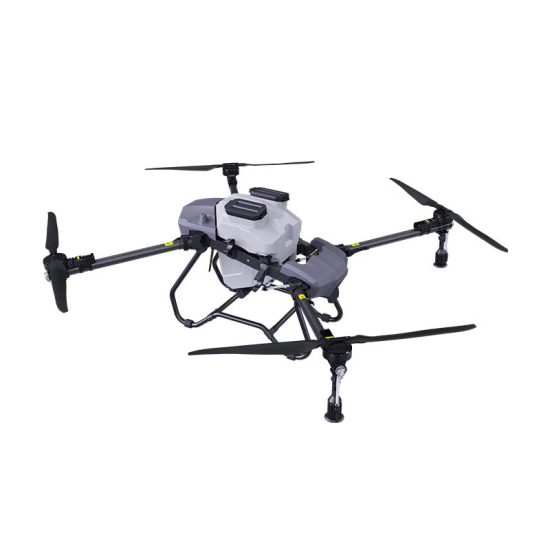


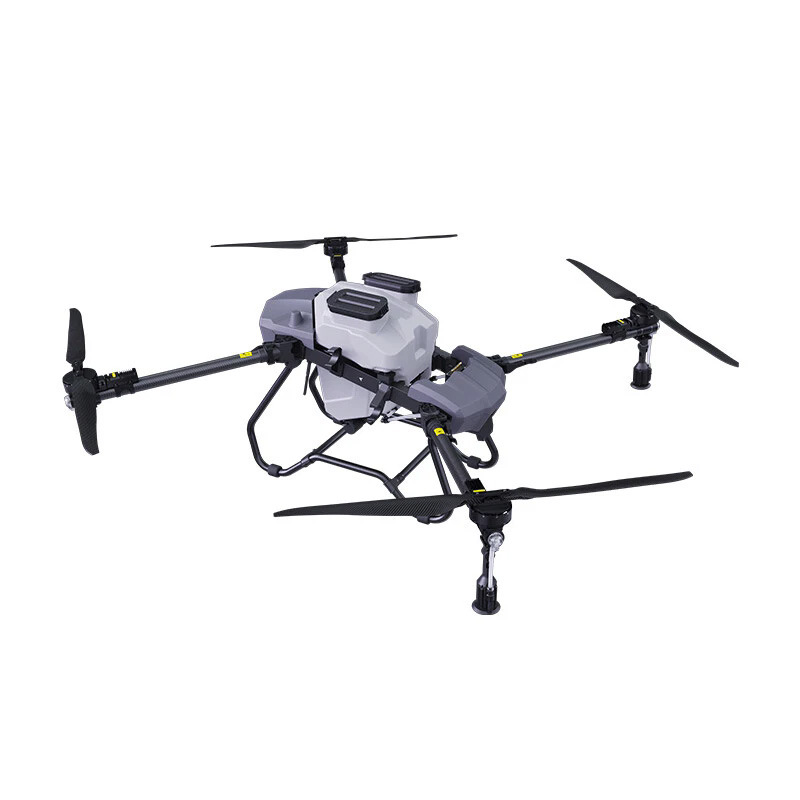
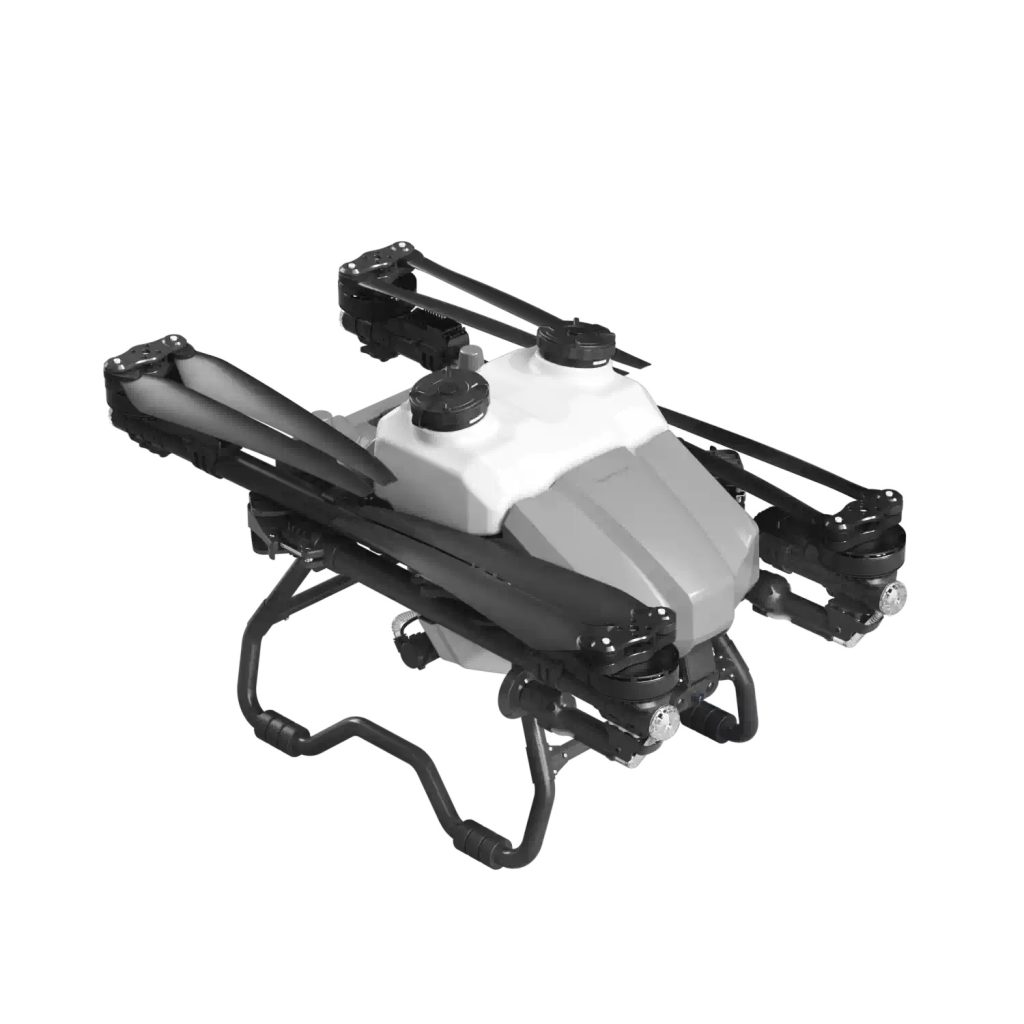
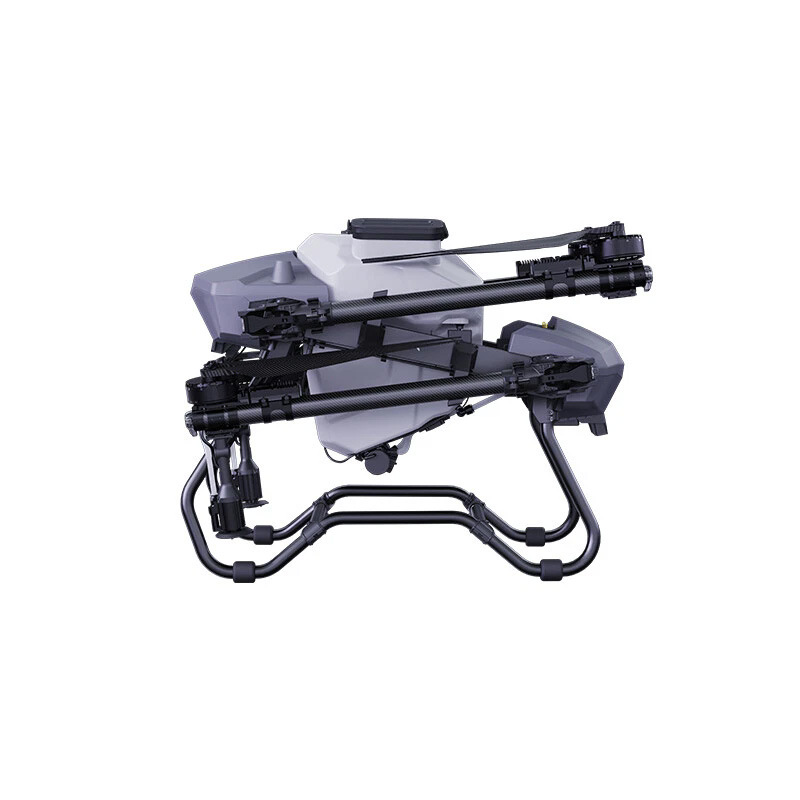
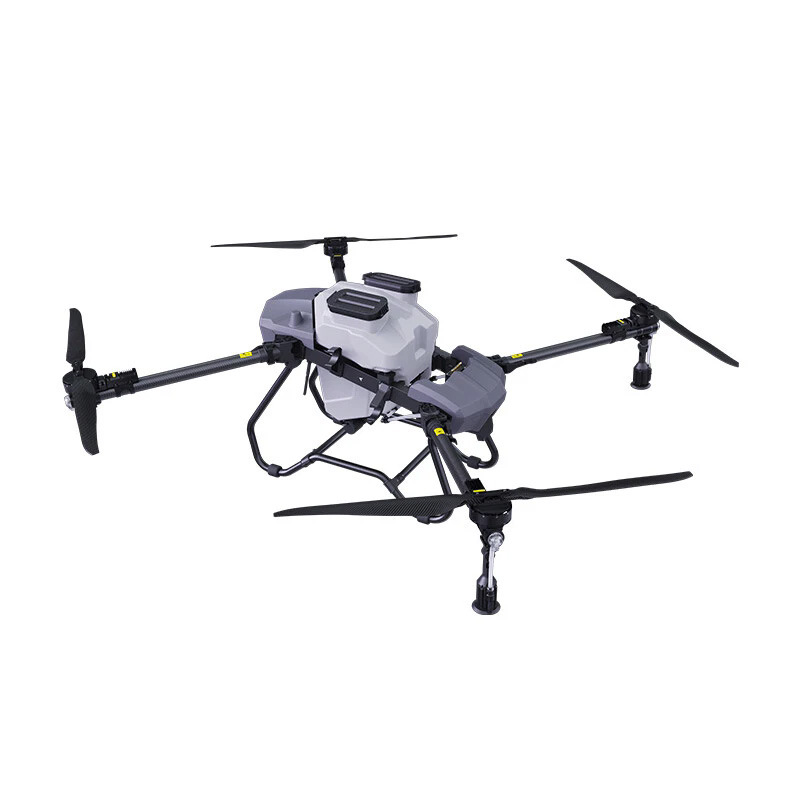
Agricultural drones are designed to improve farming efficiency, spraying precision, and field management. However, like any advanced equipment, problems may occasionally occur during operation. Understanding common issues and knowing how to troubleshoot them can reduce downtime, improve safety, and extend the lifespan of your drone.
This guide explains common agricultural drone problems and practical troubleshooting methods for daily operations.
Why Drone Troubleshooting Matters
Regular troubleshooting helps operators:
-
Reduce flight interruptions
-
Improve spraying accuracy
-
Prevent equipment damage
-
Increase operational efficiency
-
Lower maintenance costs
Quick problem detection also minimizes delays during farming seasons.
1. Drone Cannot Power On
One of the most common issues is a drone that does not start.
Possible Causes
-
Battery not fully installed
-
Battery power too low
-
Loose connectors
-
Damaged charging system
-
Internal electrical issue
Troubleshooting Steps
-
Check whether the battery is securely installed.
-
Verify battery charge level.
-
Inspect connectors for dirt or looseness.
-
Try another fully charged battery if available.
-
Restart the system.
If the drone still does not power on, inspect for damaged wiring or internal faults.
2. Weak or Lost GPS Signal
Stable GPS is important for precision agricultural flight.
Possible Causes
-
Flying near buildings or signal interference
-
Poor weather conditions
-
GPS module obstruction
-
Software initialization delay
Troubleshooting Steps
-
Move to an open area before takeoff
-
Wait several minutes for signal stabilization
-
Restart the drone and controller
-
Check GPS settings and status indicators
-
Avoid flying near metal structures or electrical interference
Never begin spraying operations without stable positioning signals.
3. Remote Controller Cannot Connect
Communication problems may stop operations completely.
Possible Causes
-
Pairing failure
-
Weak signal range
-
Controller battery issues
-
Incorrect startup sequence
Troubleshooting Steps
-
Power on the controller first.
-
Turn on the drone.
-
Wait for automatic pairing.
-
Restart both devices if connection fails.
-
Ensure controller battery level is sufficient.
Maintain a clear operating environment for better signal performance.
4. Unstable Flight or Drone Shaking
A shaking drone may indicate mechanical or calibration issues.
Possible Causes
-
Incorrect propeller installation
-
Loose arms or screws
-
Poor calibration
-
Strong wind conditions
-
Motor imbalance
Troubleshooting Steps
-
Check propellers for damage or incorrect mounting
-
Tighten loose parts
-
Perform sensor calibration
-
Test flight in calm weather
-
Inspect motors for abnormal sounds
Always stop operation if severe vibration occurs.
5. Spraying System Not Working
Agricultural drones rely heavily on consistent spraying performance.
Possible Causes
-
Blocked nozzles
-
Pump malfunction
-
Empty tank
-
Hose blockage
-
Power supply interruption
Troubleshooting Steps
-
Clean spray nozzles
-
Check liquid flow
-
Inspect hoses for blockage
-
Verify pump operation
-
Ensure tank connections are secure
Perform a system test before entering the field.
6. Short Flight Time
Reduced flight time often affects productivity.
Possible Causes
-
Battery aging
-
Low battery temperature
-
Overloaded payload
-
Poor charging habits
Troubleshooting Steps
-
Fully charge batteries before operation
-
Replace worn batteries when needed
-
Avoid overloading the drone
-
Store batteries correctly between uses
Battery care significantly affects flight efficiency.
7. Drone Cannot Take Off
Sometimes the drone powers on but refuses to launch.
Possible Causes
-
GPS not ready
-
Sensor calibration failure
-
Safety lock activated
-
Flight mode error
Troubleshooting Steps
-
Confirm GPS signal is stable.
-
Check system warnings.
-
Complete required calibration.
-
Restart the drone if necessary.
-
Verify battery and controller connection.
Never force takeoff when warning messages appear.
Daily Troubleshooting Checklist
Before every operation, inspect:
-
Battery status
-
Propeller condition
-
GPS signal strength
-
Spray system performance
-
Controller connection
-
Frame and motor condition
Preventive inspections help avoid unexpected problems.
Maintenance Tips to Reduce Drone Problems
Good maintenance can prevent many technical failures.
Recommended habits:
-
Clean the drone after use
-
Store equipment in a dry environment
-
Inspect propellers regularly
-
Check battery health frequently
-
Perform routine calibration
Small inspections can prevent expensive repairs later.
FAQ
Why does my agricultural drone lose GPS signal?
Weak signals are often caused by interference, poor environment conditions, or insufficient satellite connection time.
What should I do if the spraying system stops working?
Check the tank, hoses, nozzles, and pump system first. Blockages are a common cause.
Why is my drone shaking during flight?
Incorrect propeller installation, loose components, or poor calibration are common reasons.
How can I improve drone battery life?
Avoid overcharging, store batteries properly, and prevent overheating during operation.
How often should I inspect my agricultural drone?
Basic safety inspections should be completed before every flight, while deeper maintenance depends on operating frequency.
Article Link:
Agricultural Drone Troubleshooting Guide
THE END








No comments yet